

Digital Signature
What is a Digital Signature?
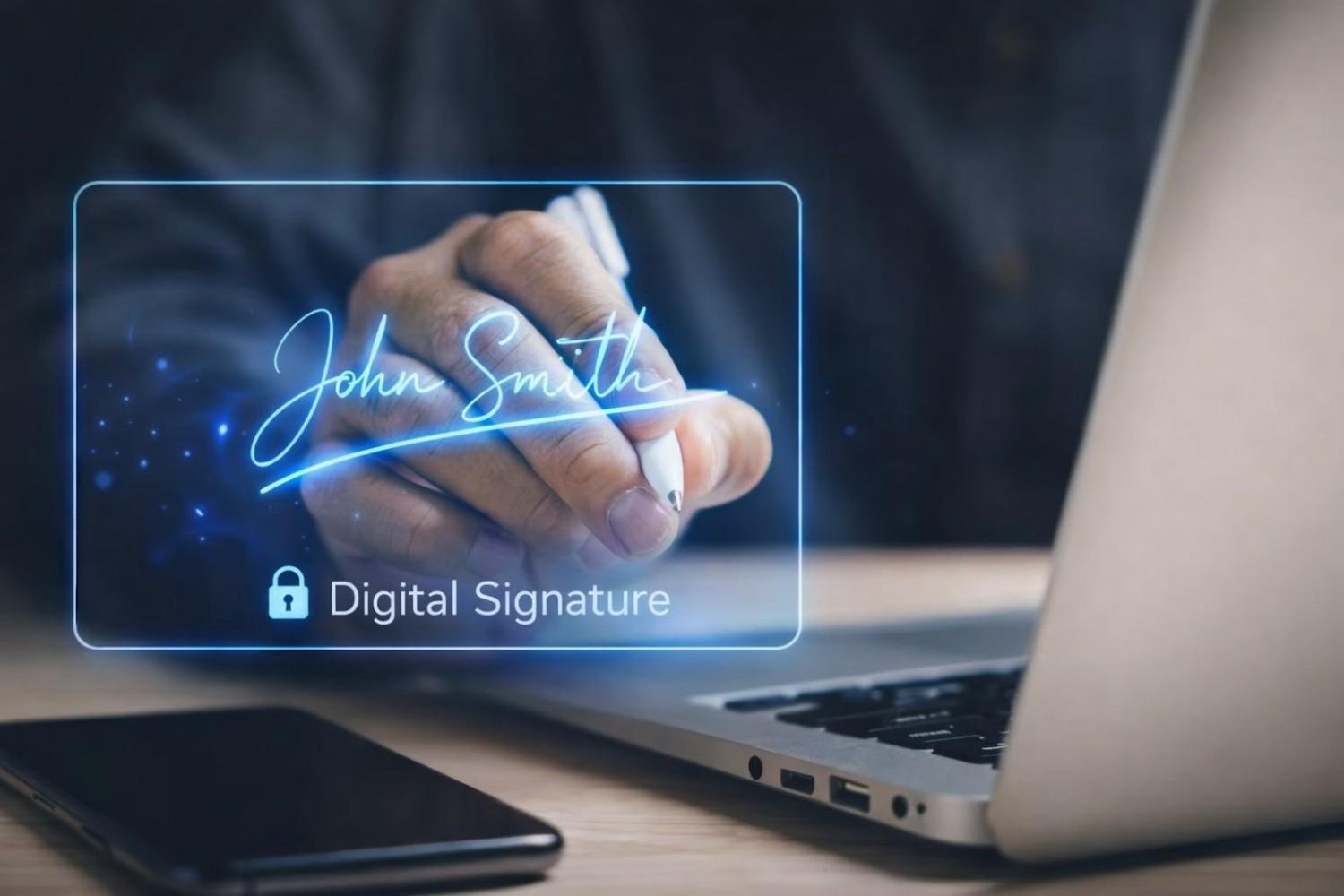
A Digital Signature is a secure key (USB E-Token) that contains the signature in digital format and is issued for the purpose of validating & verifying a particular person or entity.
Who Requires a Digital Signature?
It is required by individuals & organizations.
The key (USB E-Token) is generated to the applicant in a secure medium and is used for signing official documents online.
When is Digital Signature Required?
Digital Signature is required when a person or an entity requires performing statutory activities online like filing returns or business registrations etc.
Types of Digital Signature Certificate
Class 1
This class type is used to secure email communications and shall be issued for both business personnel and private individual use.
Class 2
This class type is used for Incorporation of entities, Business Registrations, Income Tax Filing, etc.
Class 3
This class type is used for participating in E-Tendering or E-Auctions.
Platforms Where DSC is Required or Mandatory
Company Incorporation
Digital Signature Certificate is mandatory if you are incorporating a Public Limited Company, Private Limited Company, Limited Liability Partnership or One Person Company.
Obtaining Director Identification Number (DIN)
Digital Signature Certificate (DSC) is mandatory while applying for DIN number.
Ministry of Corporate Affairs (Compliances)
If your business annual turnover exceeds INR 60 Lakhs it is mandatory to verify returns with DSC.
Income Tax
For individuals/professionals having annual gross receipt above INR 25 Lakhs and businesses with turnover above INR 1 Crore, DSC is mandatory for filing income tax returns.
Goods and Service Tax (GST)
Business entities other than Sole Proprietorship must have DSC for GST registration and return filing.
Import & Export Code
DSC is mandatory while applying for Import Export Code.
Intellectual Property Rights
DSC is required for filing Trademark, Patent and other IPR registrations.
E-Tendering
Class 3 DSC is essential for participating in E-Tendering and E-Auctions.
Employee Provident Fund
Employers can use Class 2 Gold or Class 3 DSC for submitting PF transfer claim forms online.
Key Points About Digital Signature Certificates (DSC)
1. Authentication
A digital signature is the digital equivalent of a handwritten signature or stamped seal with higher security.
It verifies the sender identity and ensures documents are not altered during transmission.
2. Components
Public Key – Used for verification and freely available.
Private Key – Kept secret and used for signing documents.
3. Uses
Online Transactions
Digital signatures ensure authenticity and integrity in online transactions.
Legal Documents
Digital signatures are legally valid in many countries and used in contracts and legal documents.
Government Transactions
Many government forms and procedures require digital signatures.
4. Digital Signature Certificate (DSC)
A DSC is a secure digital key issued by Certifying Authorities for validating the identity of the certificate holder.
It contains information such as user name, pin code, country, email address, date of issue and certifying authority details.
5. Certifying Authorities
Certifying Authorities (CAs) issue digital certificates and validate authenticity of digital signatures.
CAs are regulated by laws and standards to ensure reliability and trustworthiness.
6. Classifications
Class 1 DSC – Used for securing email communication.
Class 2 DSC – Used for company registration, GST and IT filing.
Class 3 DSC – Highest level requiring physical verification before Registration Authority.
Documents Required for DSC Class 1
The exact documents required may vary slightly depending on the Certifying Authority.
1. Proof of Identity (PoI)
Any one of the following documents may be submitted:
PAN Card
Passport
Aadhaar Card
Driving License
Voter ID Card
2. Proof of Address (PoA)
Any one of the following documents may be submitted:
Aadhaar Card
Passport
Driving License
Voter ID Card
Utility Bills not older than 3 months
Bank Statement attested by bank
Ration Card
3. Passport Size Photographs
Generally two passport-size photographs are required.
4. Email ID and Mobile Number
Applicant must have active email ID and mobile number.
5. Application Form
A duly filled and signed application form provided by the Certifying Authority is required.
6. Self-Attested Documents
Copies of PoI and PoA documents must be self-attested.
7. Organization Documents (If Applicable)
Certificate of Incorporation
Memorandum and Articles of Association
Board Resolution authorising applicant to obtain DSC
8. Additional Documents
Certain Certifying Authorities may request additional documents based on internal policies.
Key Differences of DSC Class 1, Class 2 and Class 3
1. Class 1 Digital Signature Certificate
Verification Process: Verification is done against a pre-verified database.
Use Cases: Used for securing email communication and basic online activities.
Validation: Does not validate identity beyond basic credentials.
2. Class 2 Digital Signature Certificate
Verification Process: Verification is done using official government databases.
Use Cases: Used for GST filings, Income Tax filings and company registrations.
Validation: Validates identity using official databases.
3. Class 3 Digital Signature Certificate
Verification Process: Requires physical presence before Registration Authority.
Use Cases: Used for legal documents, tenders and high-security transactions.
Validation: Provides highest level of identity assurance.
Key Differences
Verification Level – Class 1 is lowest, Class 2 is intermediate and Class 3 is highest.
Use Cases – Different classes are used for different types of transactions.
Authentication Level – Class 3 provides the highest security.
Applicant Presence – Class 3 requires physical verification while Class 1 and Class 2 generally do not.
While choosing a DSC class, it is important to consider the transaction requirements and level of security needed.